
Best Cheap Dive Computer
Affordable dive computers that balance value and reliability, beginner-friendly options without overspending.
A dive computer is one of the most useful pieces of personal gear a new diver can own. The good news: you do not need a top-tier model to get reliable nitrogen tracking, clear depth and time readings, and safe ascent guidance. These picks focus on simple, dependable models that won’t overwhelm a new diver.
At a glance
Cressi Leonardo 2.0
A strong beginner-friendly dive computer with a simple single-button interface, clear display, and the core Air, Nitrox, and Gauge functions most recreational divers need.
Mares Puck Pro Ultra
A straightforward dive computer with a large, easy-to-read display and simple controls, making it a practical choice for divers who value clarity and ease of use.
Mares Puck 4
A more advanced step-up option with a modern display and additional functionality while remaining approachable for recreational divers.
Our recommendations
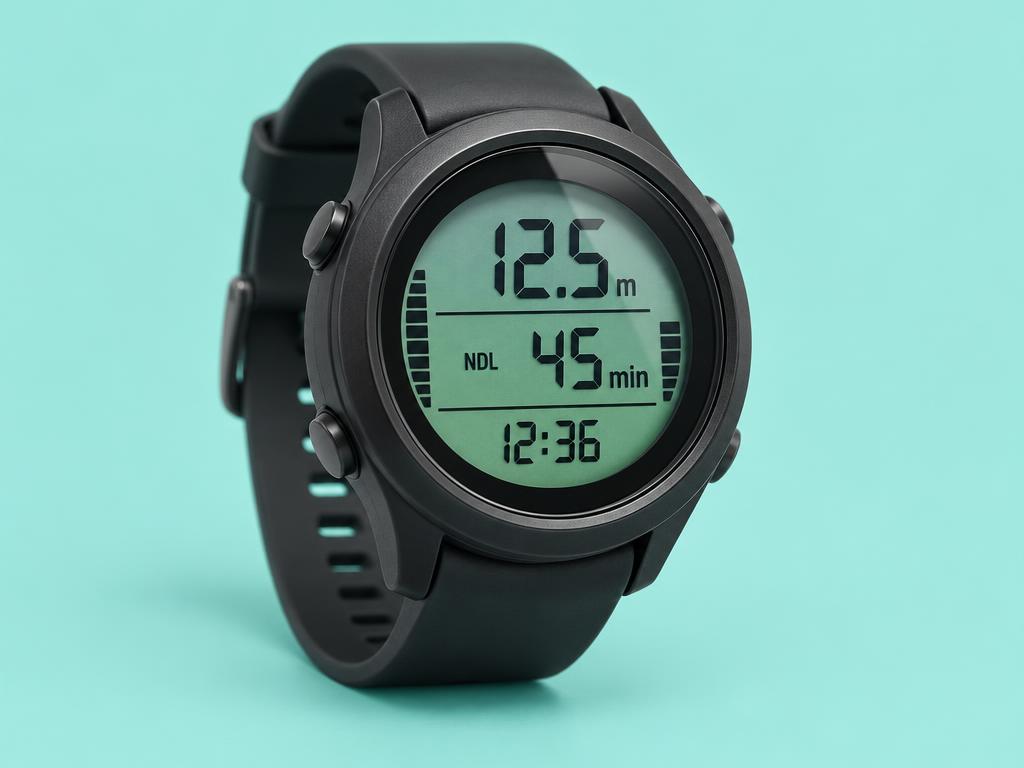
AI illustration — generic dive computer, not the actual model or official product photography.
Cressi Leonardo 2.0
Check current priceA strong beginner-friendly dive computer with a simple single-button interface, clear display, and the core Air, Nitrox, and Gauge functions most recreational divers need.
- Simple single-button interface
- Clear display
- Air, Nitrox, and Gauge functions
AI illustration — generic dive computer, not the actual model or official product photography.
Mares Puck Pro Ultra
Check current priceA straightforward dive computer with a large, easy-to-read display and simple controls, making it a practical choice for divers who value clarity and ease of use.
- Large, easy-to-read display
- Simple controls
- Straightforward recreational use
AI illustration — generic dive computer, not the actual model or official product photography.
Mares Puck 4
Check current priceA more advanced step-up option with a modern display and additional functionality while remaining approachable for recreational divers.
- Modern display
- Additional functionality
- Approachable recreational option
What to look for in a beginner dive computer
Nitrox capability
Even if you only dive air today, choose a computer that supports nitrox. You will likely earn the certification later, and a nitrox-ready computer means you won’t need to upgrade right away.
Clear, readable display
Underwater, screen size, contrast, and digit size matter more than fancy features. A model you can glance at and instantly read depth and time is safer and less stressful.
User-replaceable battery
A user- or shop-replaceable battery saves money over the life of the unit. Sealed-battery models often require sending the computer in for service.
Simple menu system
Two- or three-button interfaces are easier to learn than feature-packed menus. As a new diver, simple usually beats sophisticated.
Common questions
Do I need my own dive computer as a beginner?
It is strongly recommended. A personal computer tracks your dive history accurately and adapts to your specific profile, which is safer than relying on a shared rental unit between trips.
How much should I spend on my first dive computer?
Compare current prices for a reliable unit with nitrox support and a clear display, without paying for advanced features you will not use yet.
Wrist-style or console-style?
Most beginners prefer wrist-style or watch-style computers. They are easier to check at a glance and don’t add bulk to your hose setup.
Are cheap dive computers safe?
Yes, entry-level models from established dive brands use the same core algorithms as their pricier siblings. The differences are usually screen size, materials, and extras like air integration, not core safety.
Affiliate disclosure: As an Amazon Associate I earn from qualifying purchases. This guide may contain affiliate links. If you buy through them, we may earn a small commission at no extra cost to you. We only recommend products we believe offer real, practical value.